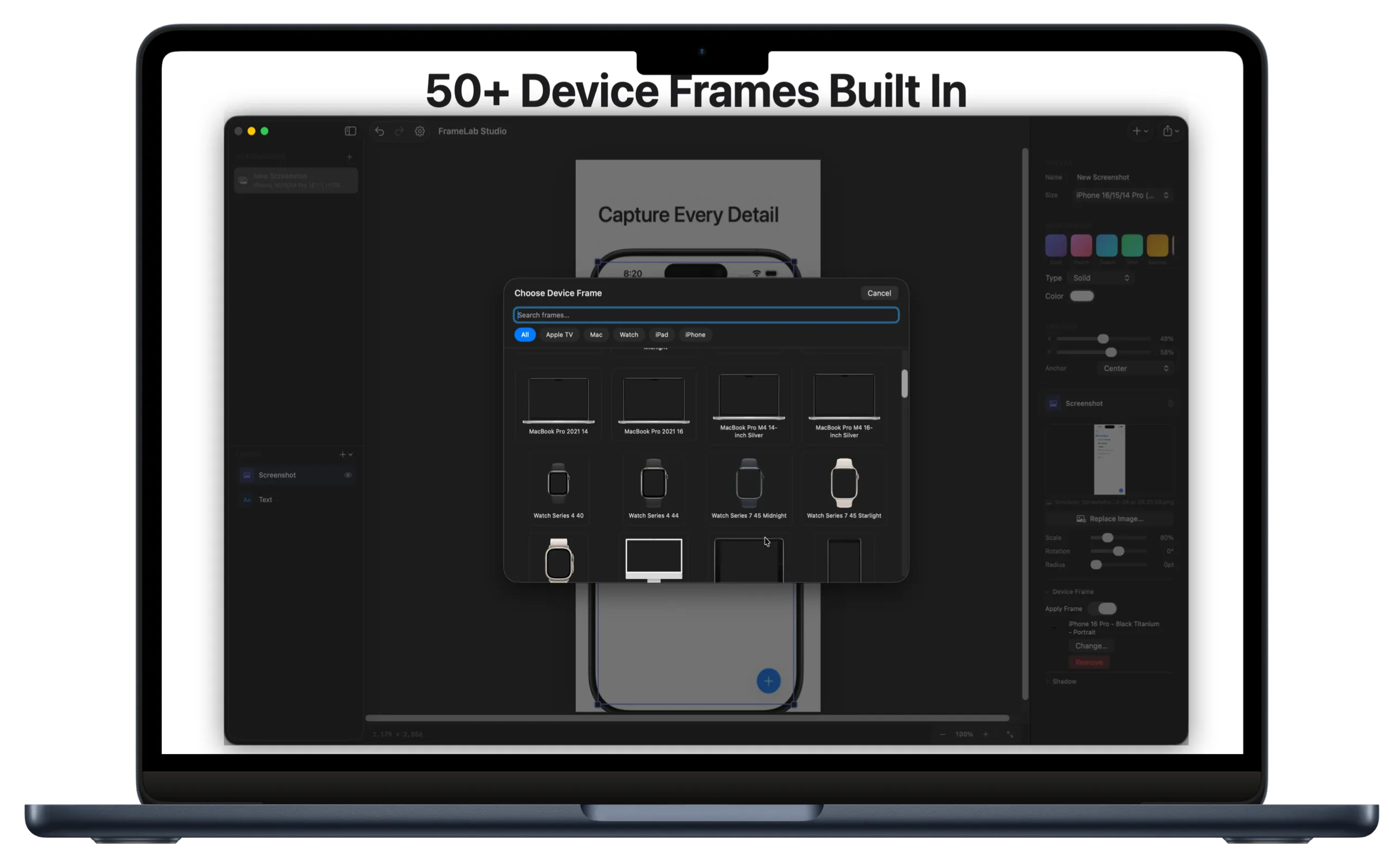
App Store screenshots.
Made simple.
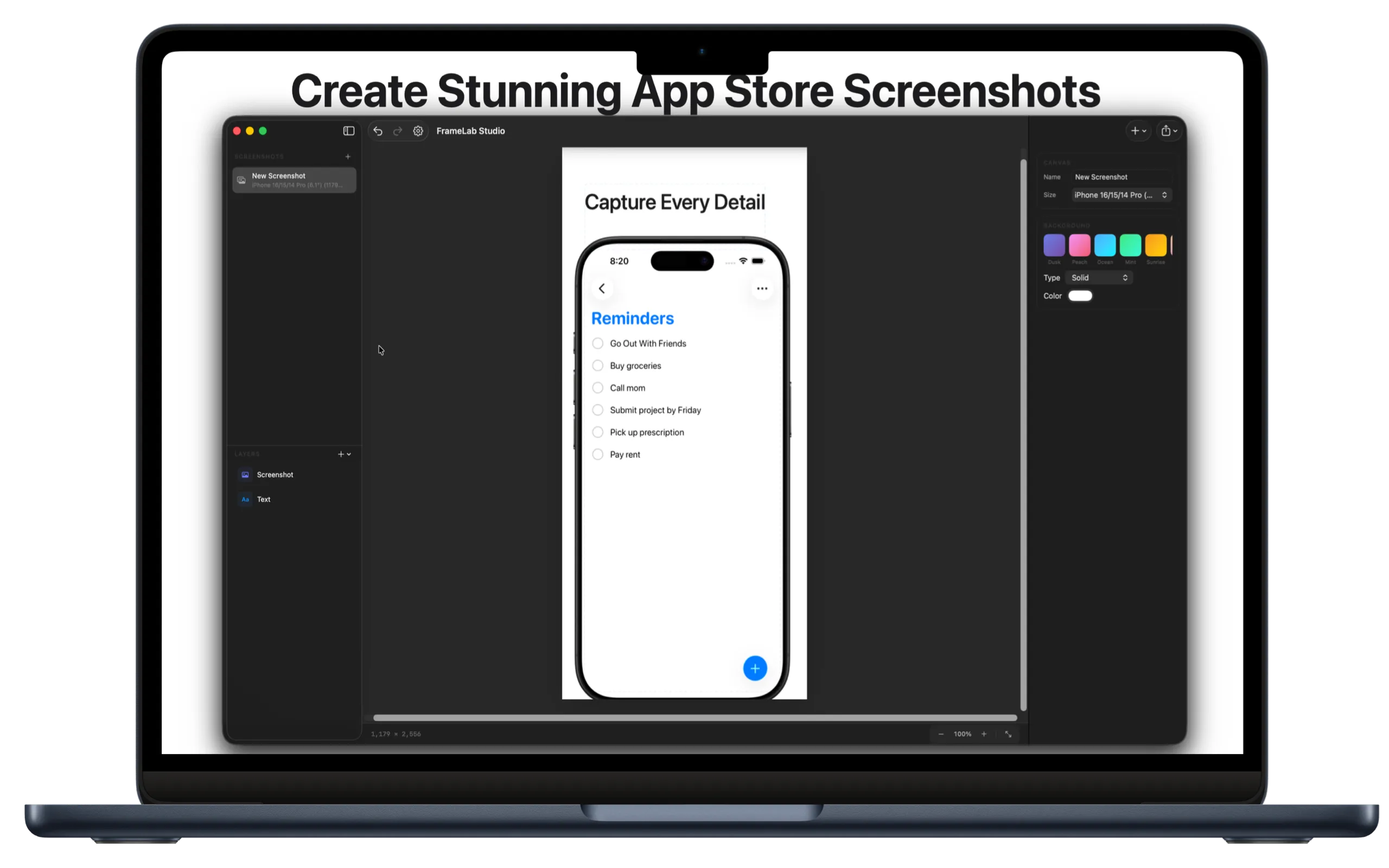
Create professional App Store screenshots with device frames, gradients, text overlays, and annotations. Everything happens locally on your Mac.
Powerful tools to create professional App Store screenshots in minutes.
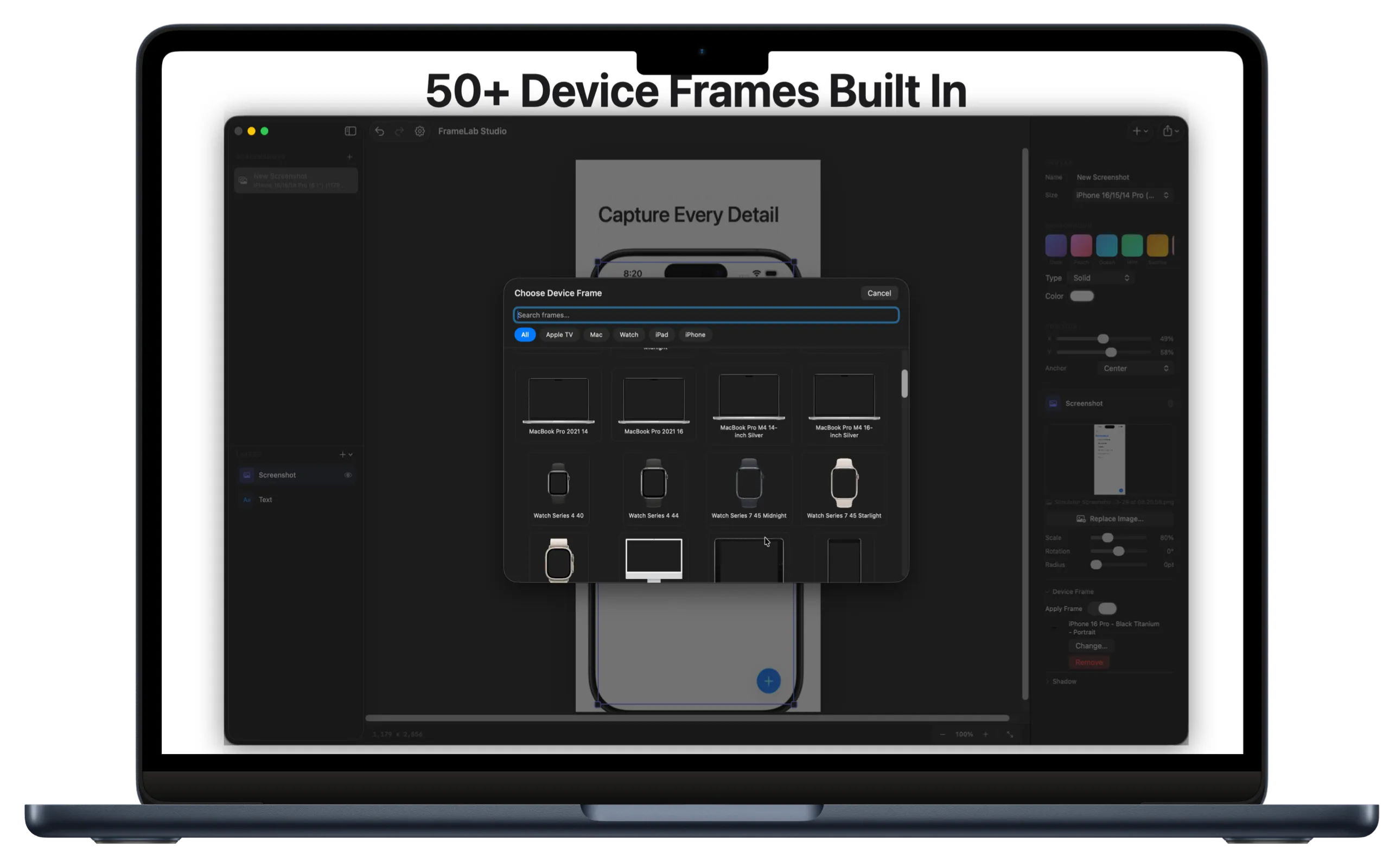
Pixel-perfect iPhone, iPad, and Mac frames. All the latest devices, ready for App Store submission. Portrait and landscape orientations.
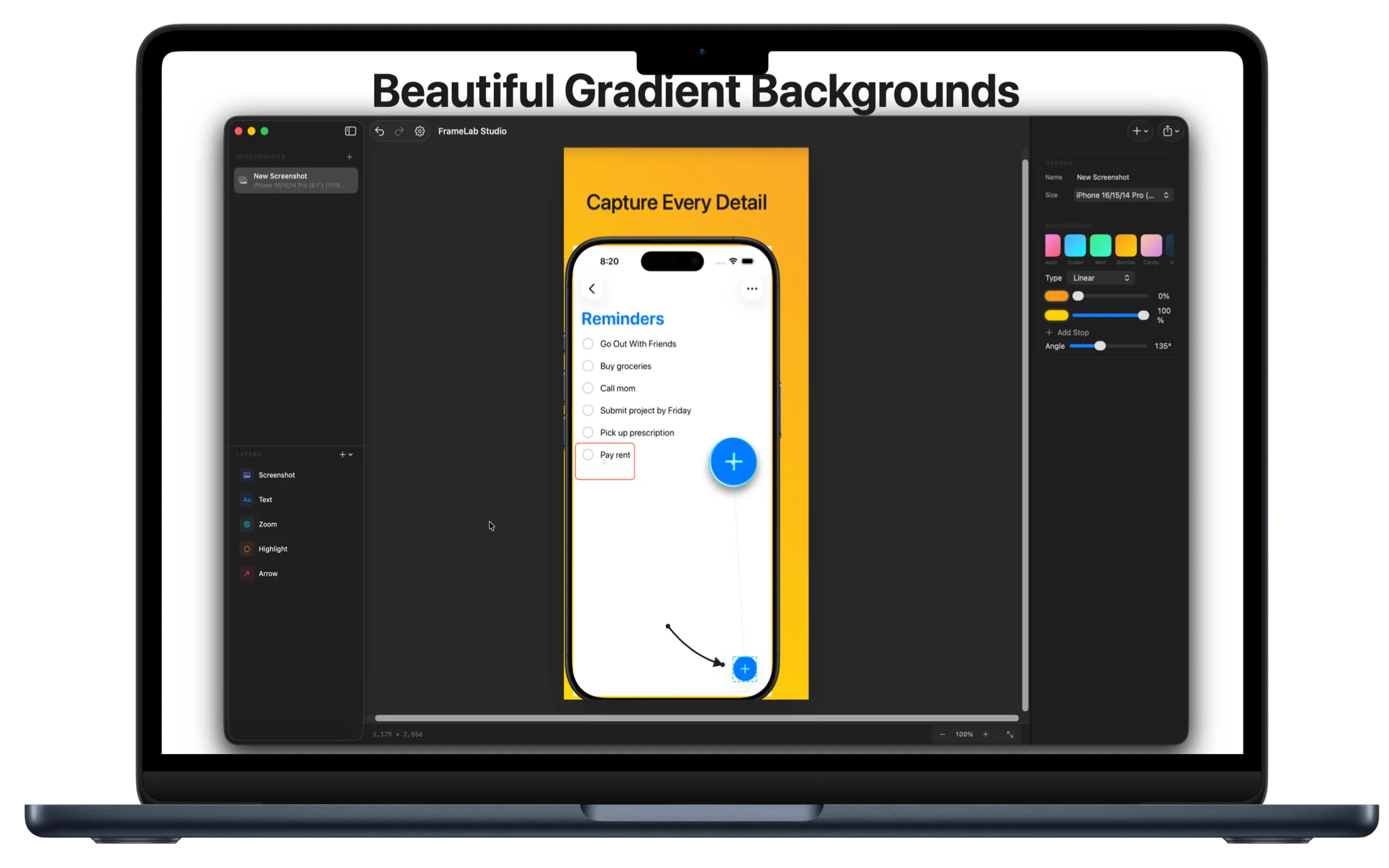
Solid colors, gradients, or transparent. Presets to start quickly, or build your own.
Headlines and captions with full control over font, size, weight, and color.
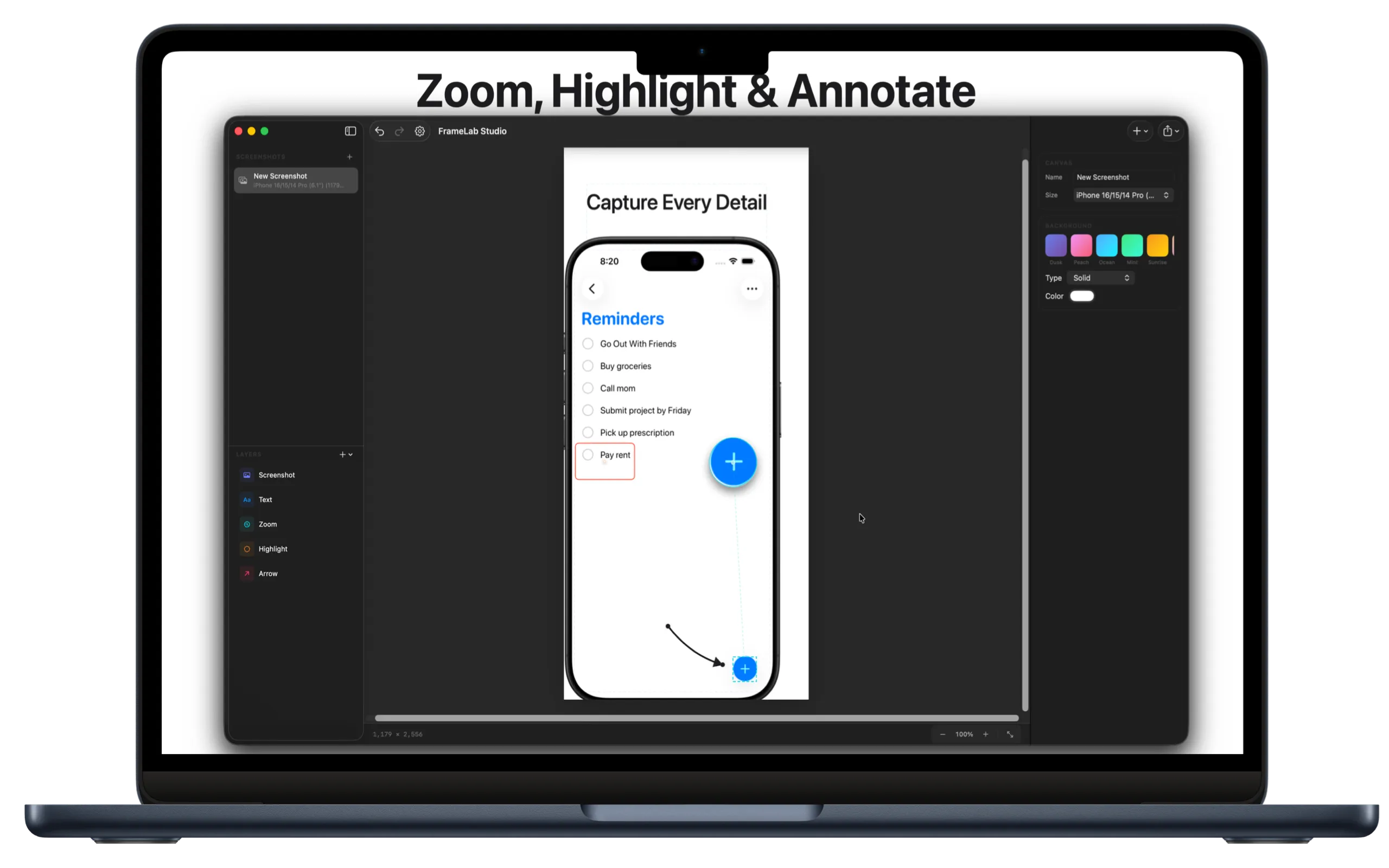
Magnify specific parts of your UI. Great for highlighting small details.
Arrows and highlight boxes to draw attention exactly where you want it.
PNG or JPEG at exact App Store dimensions. Copy to clipboard or save to disk.
Drag to scroll through screenshots of FrameLab Studio.


FrameLab Studio has zero network entitlements. It can't connect to the internet.
No servers, no APIs, no outbound requests. Ever.
No telemetry, no crash reporters, no third-party SDKs.
All processing happens on your Mac. Your images stay yours.
Built with SwiftUI using only Apple's frameworks.
Download FrameLab Studio for Mac.
Download for MacJust $0.99 · macOS 14+ required