macOS Sonoma & later

App Store screenshots.
Made simple.

Create professional App Store screenshots with device frames, gradients, text overlays, and annotations. Everything happens locally on your Mac.

Download for Mac See Features
Device Frames Gradients Annotations Zero Data Collection
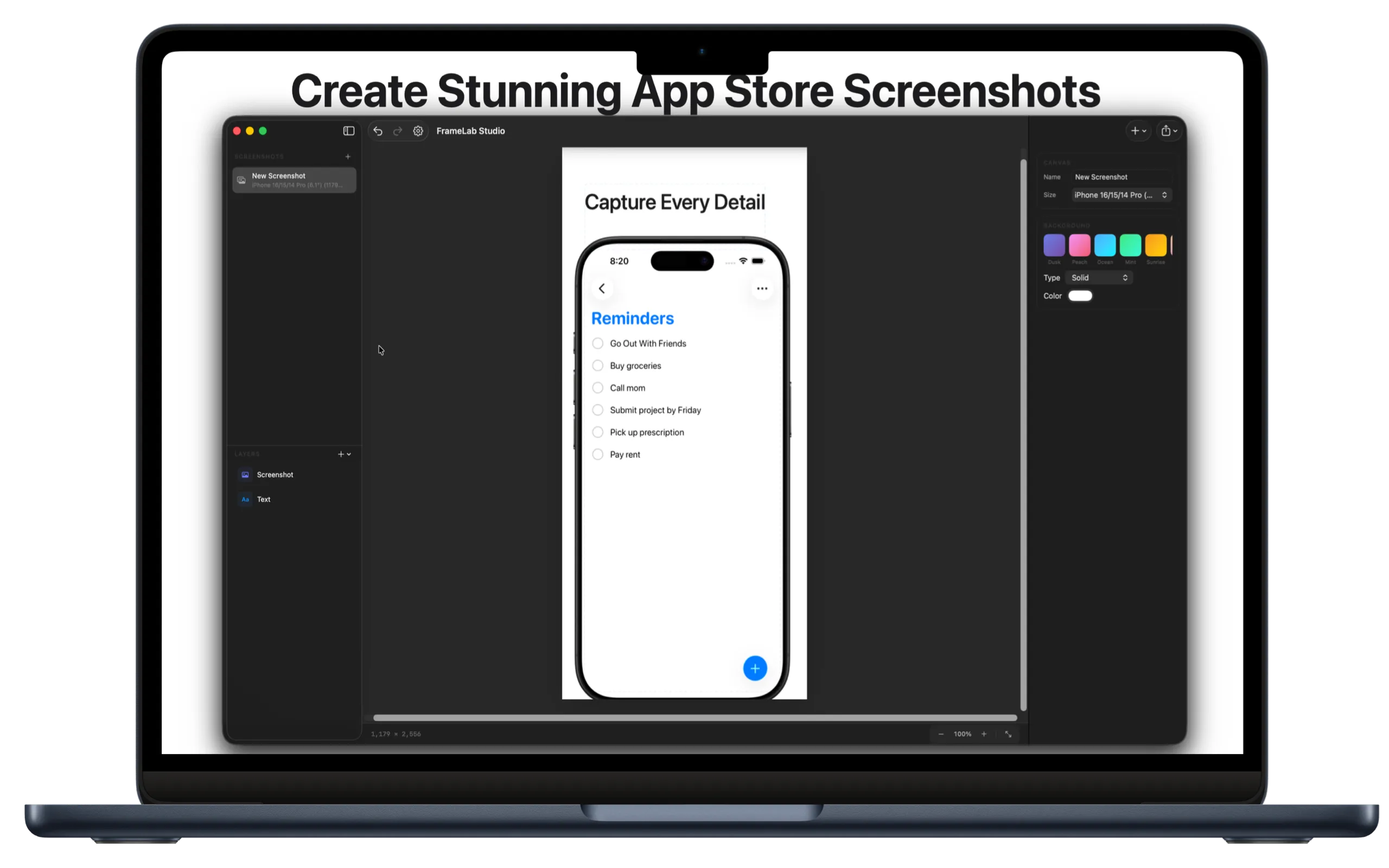
FrameLab Studio app interface
iPhoneDevice Frames
iPadDevice Frames
MacDevice Frames
ZeroData Collected

Everything you need.
Nothing you don't.

Powerful tools to create professional App Store screenshots in minutes.

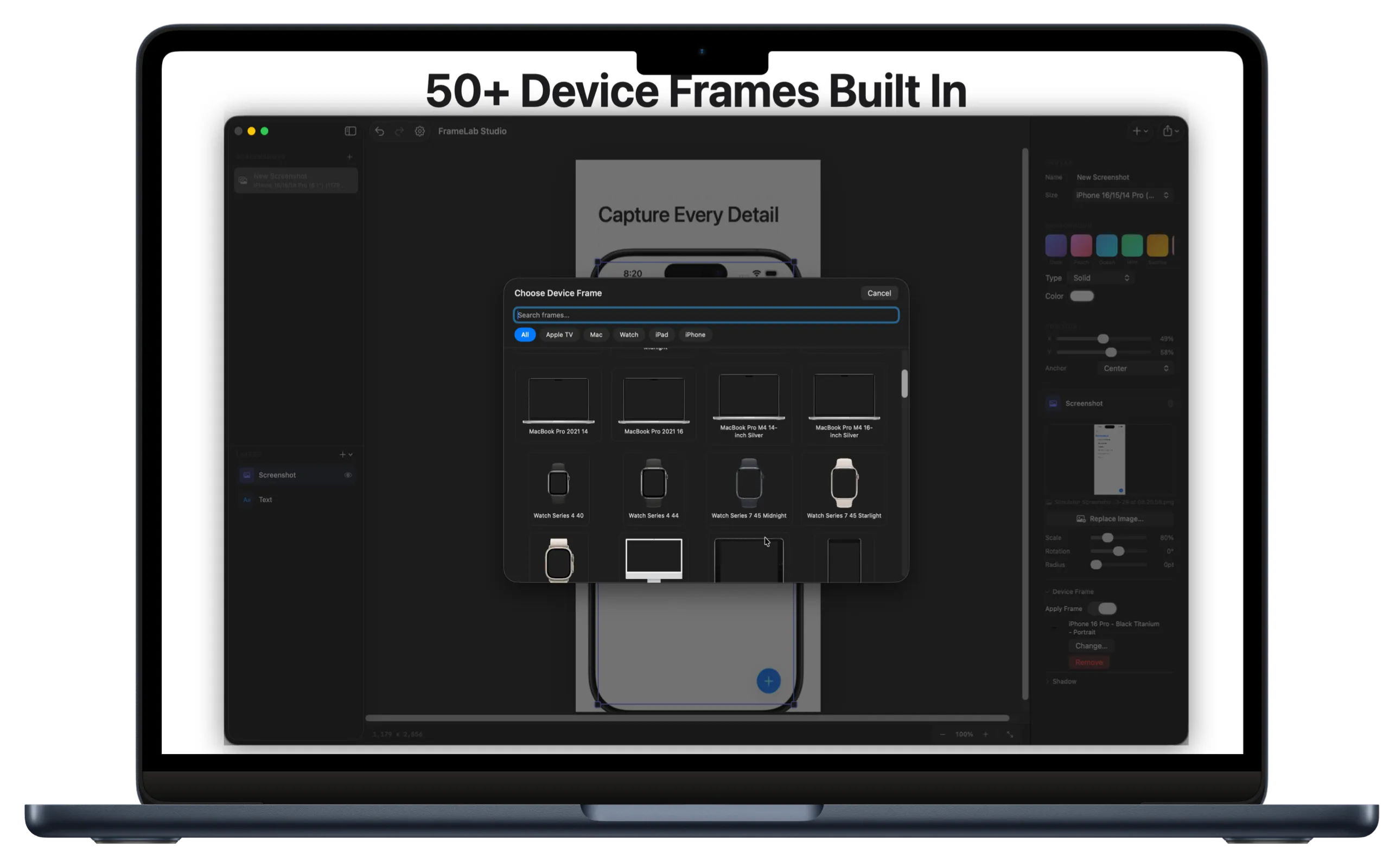
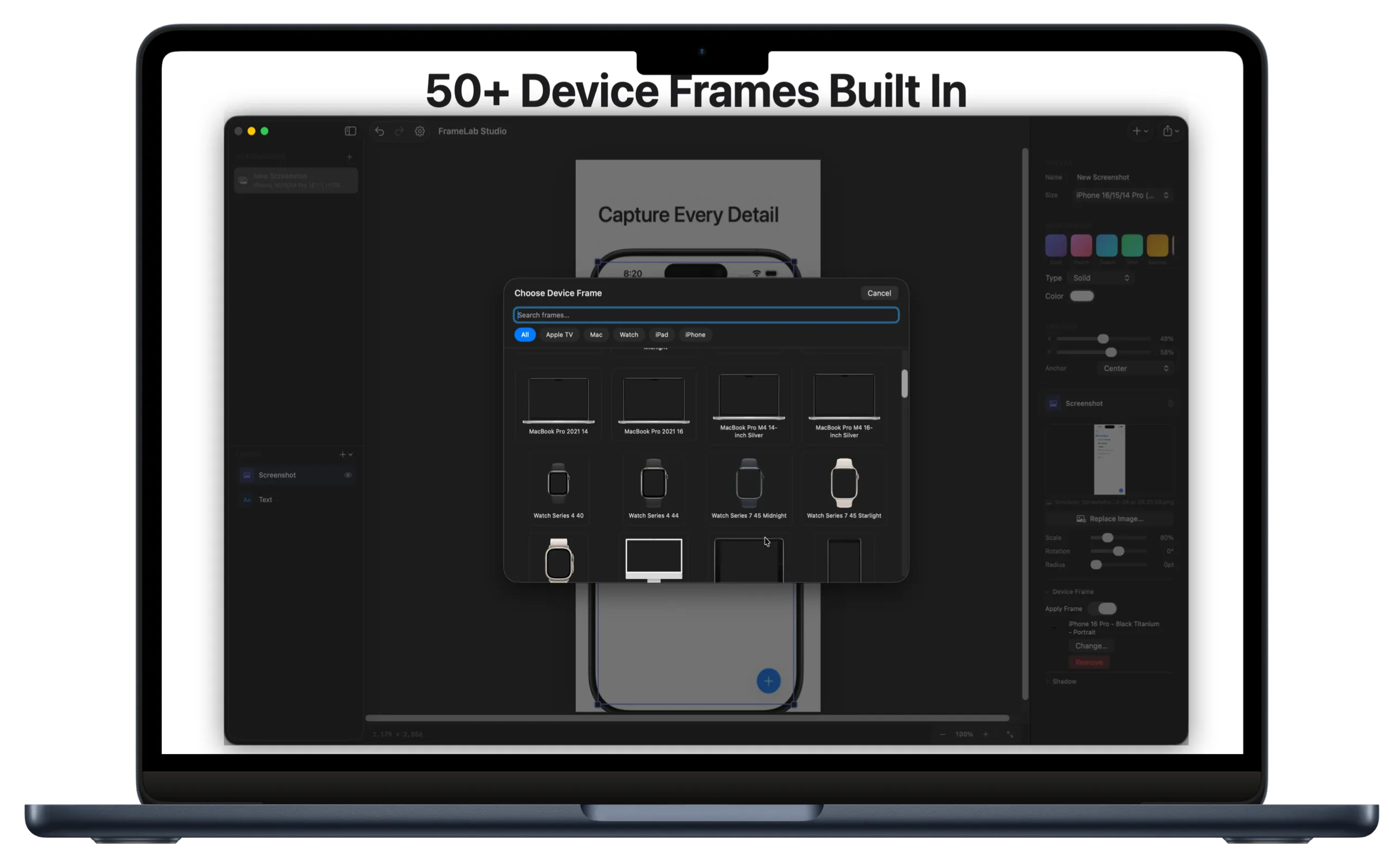
Device Frames

Pixel-perfect iPhone, iPad, and Mac frames. All the latest devices, ready for App Store submission. Portrait and landscape orientations.

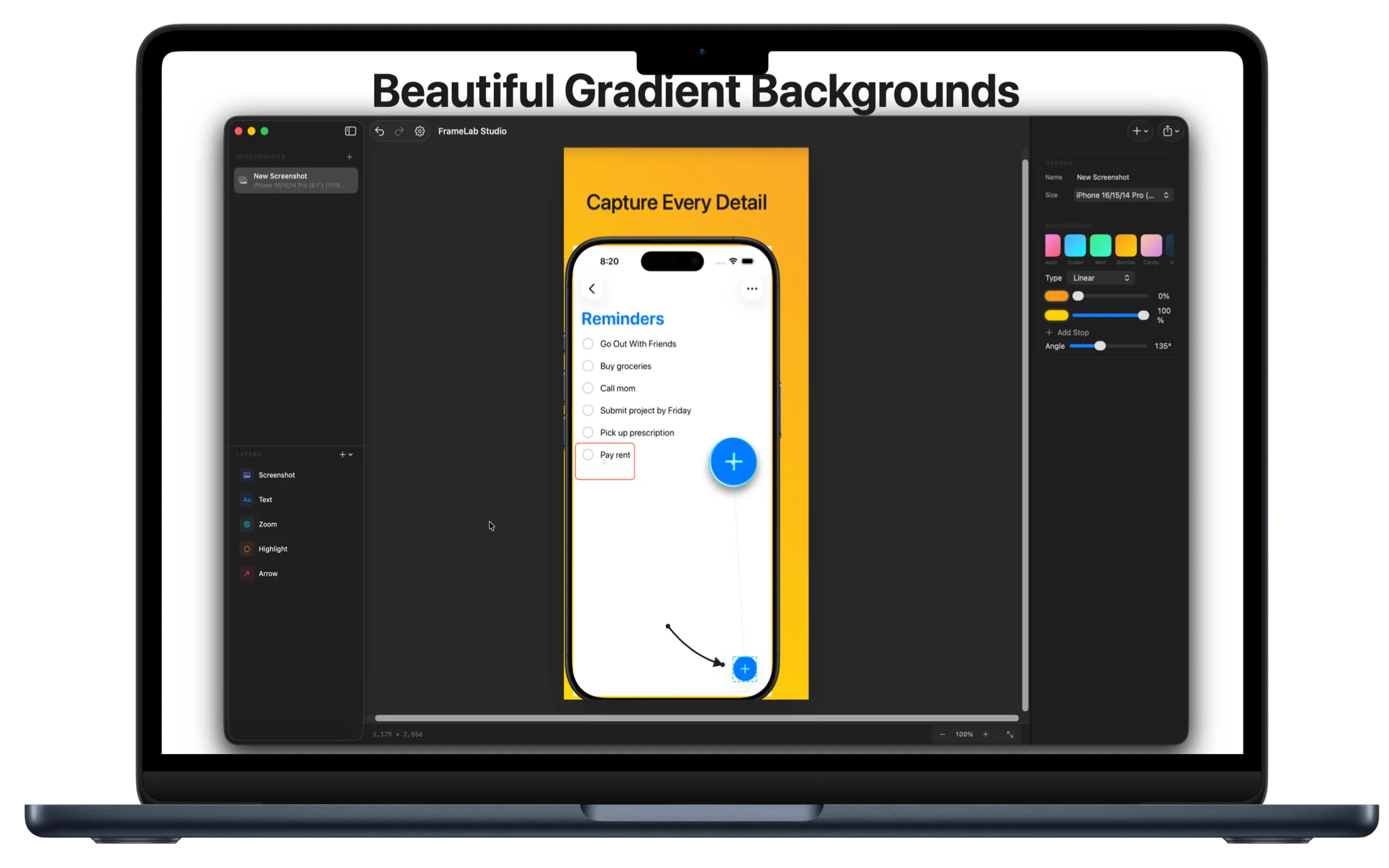
Backgrounds

Solid colors, gradients, or transparent. Presets to start quickly, or build your own.

Text Overlays

Headlines and captions with full control over font, size, weight, and color.

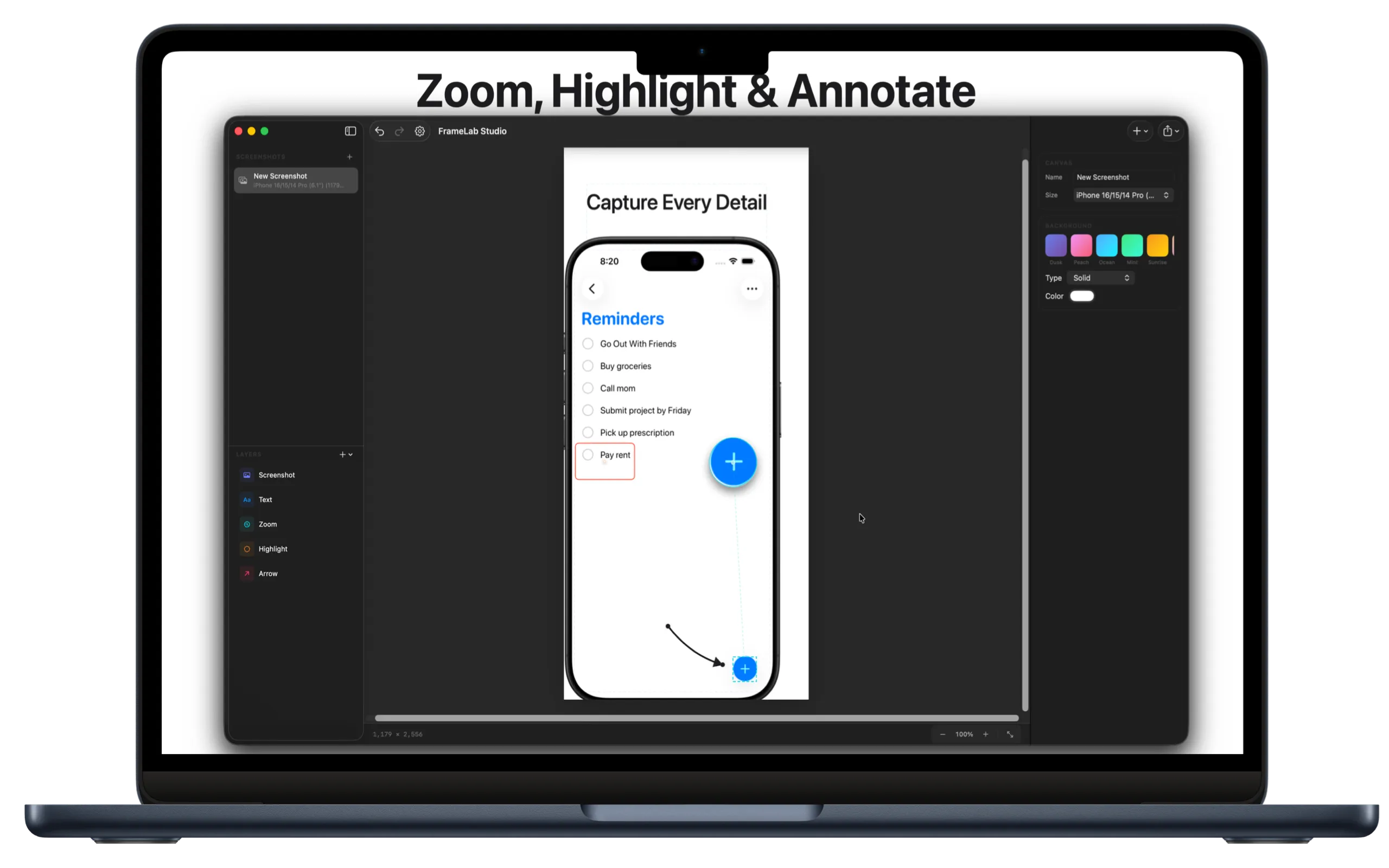
Zoom Callouts

Magnify specific parts of your UI. Great for highlighting small details.

Annotations

Arrows and highlight boxes to draw attention exactly where you want it.

Export

PNG or JPEG at exact App Store dimensions. Copy to clipboard or save to disk.

Your images stay
on your Mac.

FrameLab Studio has zero network entitlements. It can't connect to the internet.

Zero Network

No servers, no APIs, no outbound requests. Ever.

No Analytics

No telemetry, no crash reporters, no third-party SDKs.

Local Only

All processing happens on your Mac. Your images stay yours.

Native macOS

Built with SwiftUI using only Apple's frameworks.

Common questions.

iPhone (6.9", 6.7", 6.5", 6.1", 5.8", 5.5"), iPad Pro, iPad Air, iPad, iPad mini, MacBook Pro, MacBook Air, and iMac. Both portrait and landscape where applicable.
Correct. FrameLab Studio has no network entitlements in its sandbox. macOS prevents it from making any network connections. Your screenshots and source images never leave your computer.
PNG (lossless, best for App Store) and JPEG with quality control. You can also copy directly to your clipboard.
Yes. There are presets to get started quickly, and a full editor where you can create linear gradients with multiple color stops.
No. Just $0.99 — one-time purchase, yours forever.
FrameLab Studio requires macOS 14 (Sonoma) or later. It's built with the latest SwiftUI features for the best performance.
FrameLab Studio

Ready to create better screenshots?

Download FrameLab Studio for Mac.

Download for Mac

Just $0.99 · macOS 14+ required